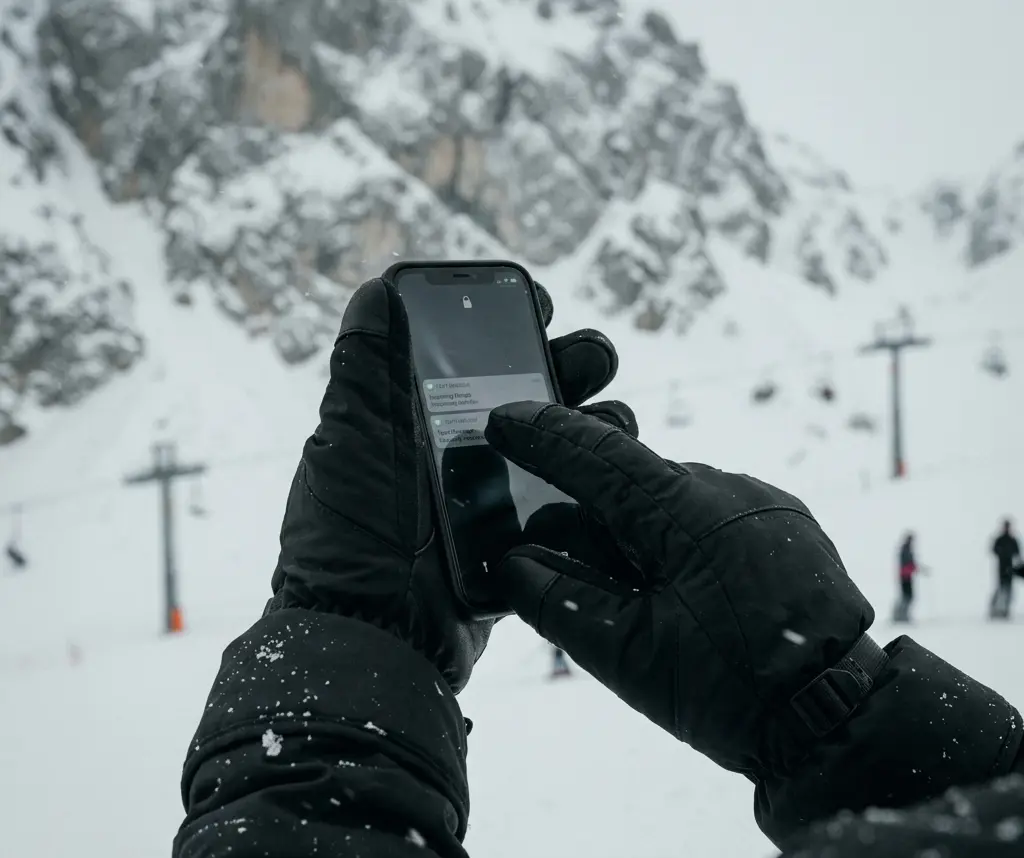
Quick answer: There’s no single trick to using a phone with ski gloves on — there are several methods, and the right one comes down to which task you’re actually trying to do. A quick tap to open the camera calls for a different approach than typing a full text message, and using the wrong method for the task is what makes most skiers conclude gloves and phones just don’t mix. They mix fine once you match the method to the task. If your current gloves don’t support any of these methods well, the ski glove finder can help you figure out what actually would.
- Why Gloves Block Your Screen in the First Place
- The Methods That Actually Work
- Matching the Method to the Task
- What Wet Snow Does That Cold Alone Doesn't
- Setting Up Your Phone Before You Ski
- Real Scenarios Where the Method You Pick Actually Matters
- Common Mistakes That Make This Harder Than It Needs to Be
- When to Just Stop and Go Inside
- Screen Protectors and Cases: What Actually Helps
- Keeping the System Working All Season
- FAQ
Why Gloves Block Your Screen in the First Place
Understanding the actual mechanism makes the rest of this a lot more intuitive. A touchscreen doesn’t detect pressure — it detects a small electrical charge. According to a plain-language explainer from Scienceline, capacitive touchscreens are built from materials that hold an electrostatic charge across the surface, and when something conductive — like a bare finger — touches the screen, a small amount of that charge transfers, creating a measurable change the screen interprets as a touch.
Standard glove materials — leather, synthetic shells, insulation — don’t conduct that charge at all. That’s the entire reason gloves and touchscreens don’t get along by default, and it’s also why every real fix for this problem comes down to the same basic idea: creating a conductive path between your skin and the screen, one way or another.
Once that clicks, the various methods below stop feeling like a random grab-bag of tricks and start looking like different ways of solving the same specific problem.
The Methods That Actually Work
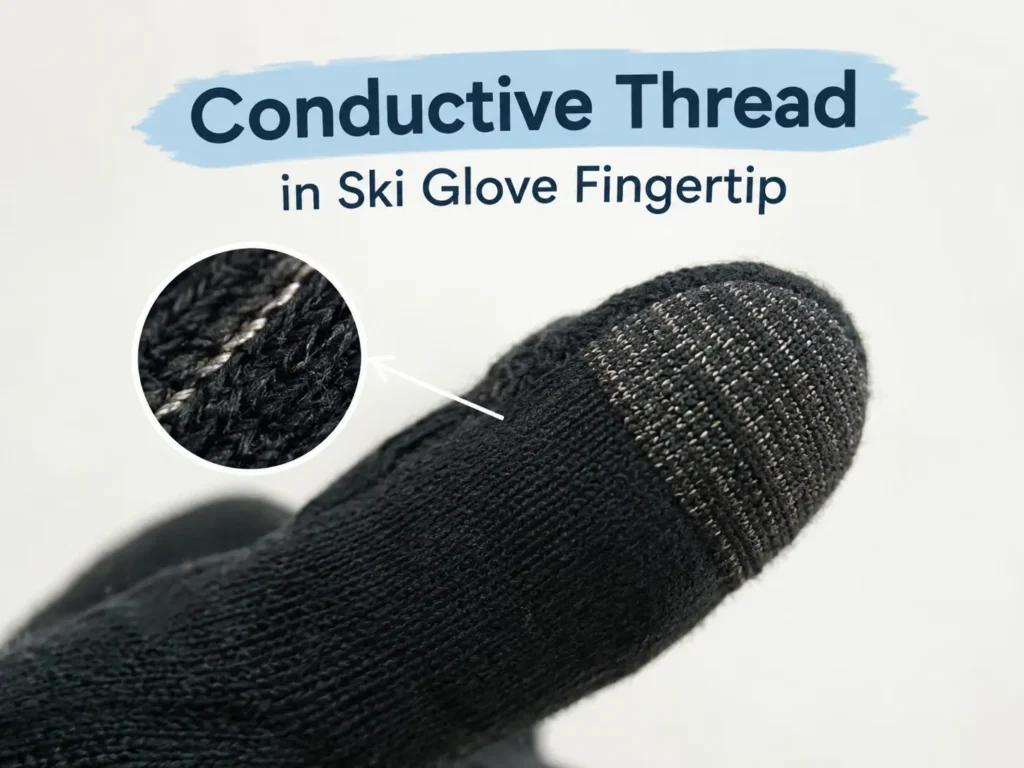
Conductive fingertip layers are the most common built-in solution, and they work by weaving metal-coated thread — usually silver or carbon-coated nylon — directly into the fingertip fabric. This creates a continuous conductive path from your hand through the glove to the screen. It’s convenient because there’s nothing extra to carry or set up, but the reliability depends heavily on thread density: a thin, decorative strip barely does the job, while a properly built fingertip handles single taps and short swipes well.
Precise typing through even a good conductive fingertip is slower and more error-prone than bare-finger typing, so it’s better suited to quick actions than long messages.
Thin touchscreen liners worn under a shell glove generally outperform built-in conductive fingertips, simply because the liner material is thinner and sits closer to your skin. The process is straightforward: pull off the shell glove, use the liner-covered hand, put the shell back on. This only works smoothly if the shell has a wrist leash — otherwise you’re juggling a glove in one hand while trying to operate a phone with the other, which defeats the purpose entirely.
Hardware button shortcuts sidestep the whole touchscreen problem for the single most common on-mountain phone task: taking photos. Every major phone platform lets you assign the camera launch-and-shutter function to a volume or power button, meaning you can pull your phone from a pocket and take a photo without unlocking the screen or touching it at all. This is worth setting up regardless of which glove you’re wearing, since it solves photography specifically and completely.
Voice commands work with any glove because there’s no screen contact involved at all. They’re genuinely useful for sending a message or starting navigation, but reliability drops fast in the exact conditions where you’d want to use them most — wind on a chairlift, background noise in a lift line, or a helmet with a chin bar interfering with the microphone.
A capacitive stylus clipped to a jacket zipper is precise and completely unaffected by whether your glove is conductive or how wet it’s gotten, but it only helps if it’s actually reachable. A stylus buried in a pocket costs more time to retrieve than most quick phone tasks are worth.
If you’re weighing whether to just buy a glove built specifically around this problem rather than layering workarounds, it’s worth comparing what a heated glove with proper touchscreen fingertips actually solves versus what these individual methods solve piecemeal — for some skiers, one well-built glove replaces the need for three separate workarounds.
Matching the Method to the Task
| Task | Best Method | Why |
| Quick tap — trail map, shutter button | Conductive fingertip | Small conductive area is enough; no glove removal needed |
| Typing a message | Liner or voice | Precision typing through a thick fingertip is slow and error-prone |
| Photography mid-run | Pre-assigned hardware button | No screen interaction required at all |
| Navigation or trail map check | Fingertip or liner | Needs moderate precision, either handles it reasonably well |
| Cold, windy chairlift ride | Voice commands | Hands should stay covered on lifts regardless |
| Wet or slushy conditions | Liner or stylus | Water on a glove surface interferes with fingertip conductivity |
What Wet Snow Does That Cold Alone Doesn’t
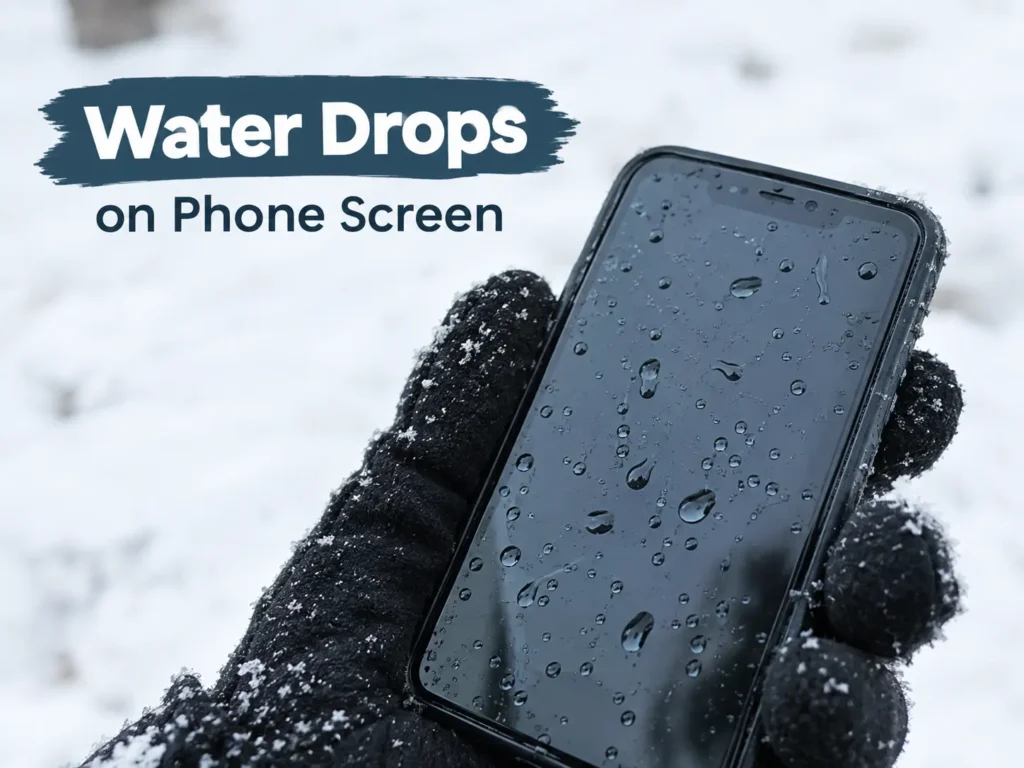
Cold conditions reduce touchscreen reliability somewhat, but moisture causes a completely different and often worse problem. Water is itself conductive, which means wet snow or rain sitting on a screen can register as phantom touches — the screen reacting to droplets the same way it would react to a finger, sometimes registering several false inputs at once.
This is why no glove-contact method performs reliably in active precipitation. The fix in wet conditions isn’t a better glove — it’s switching entirely to methods that don’t touch the screen, meaning voice commands or a pre-configured hardware button shortcut, until you’re somewhere sheltered enough to dry the screen off.
Setting Up Your Phone Before You Ski
A few minutes of setup before the first run does more for phone usability all day than any glove purchase. Assigning the camera to a hardware button, as covered earlier, is the single highest-value change most skiers skip.
Checking your phone’s touch sensitivity settings matters too. Many Android phones have a glove mode or increased touch sensitivity option buried in display settings, and turning it on measurably improves how reliably a conductive fingertip registers. iPhones don’t have an equivalent toggle, but keeping the screen clean and dry before putting the phone away goes a long way toward the same result.
Cold genuinely affects phone battery life on its own, separate from anything gloves change. According to Apple’s own support documentation, using a device in very cold conditions can noticeably reduce battery life and, in more extreme cases, cause the device to shut down entirely — though performance returns to normal once the device warms back up. Keeping your phone in an inside jacket pocket rather than an outer one keeps it closer to body temperature and meaningfully extends how long the battery holds up across a full day.
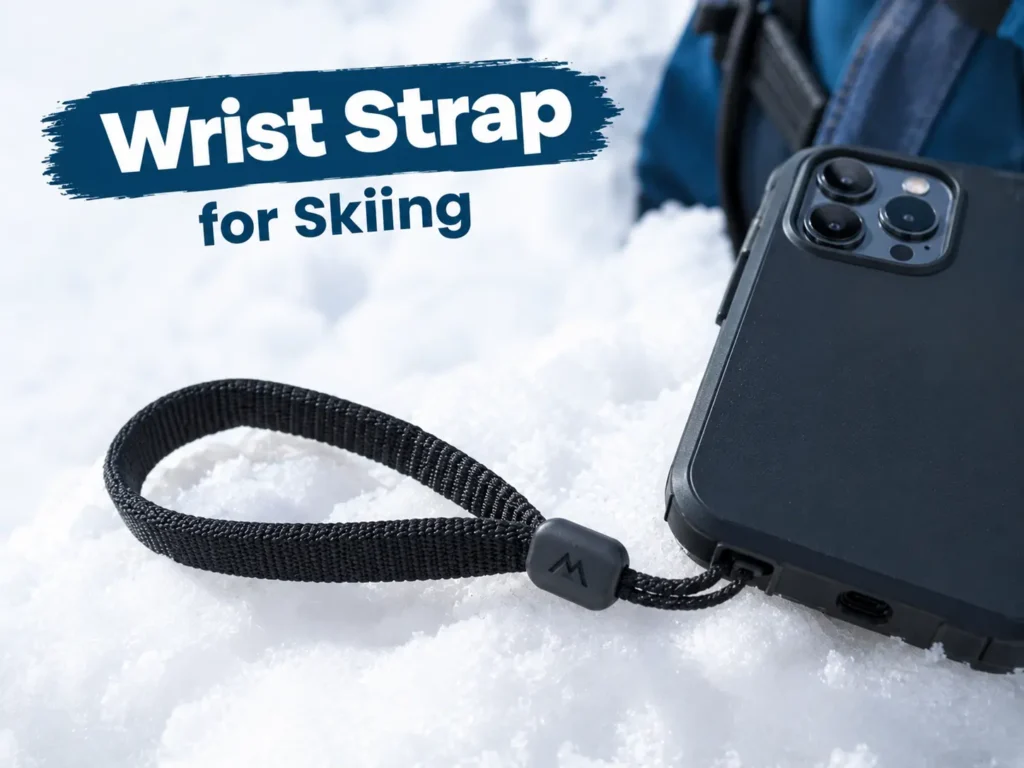
A wrist strap on your phone case is a small addition that solves a much bigger problem than it looks like it does. Retrieving a phone from a pocket in cold, gloved conditions increases the odds of a fumble, and a phone dropped into deep powder is genuinely difficult to recover.
Real Scenarios Where the Method You Pick Actually Matters
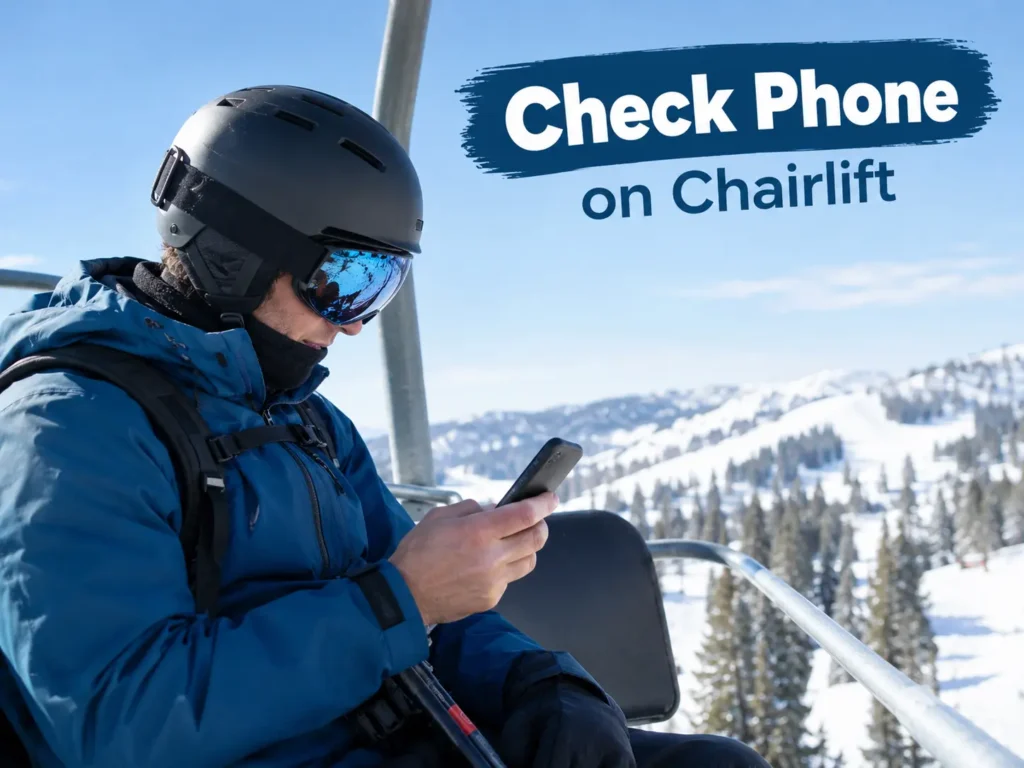
A single chairlift ride to check a trail map is the lowest-stakes version of this problem, and almost any method works fine here since there’s no time pressure and you’re stationary. This is where a conductive fingertip earns its convenience — it’s the fastest option when reliability doesn’t need to be perfect.
An emergency contact situation is the opposite case, where reliability matters far more than speed or convenience. If you genuinely need to reach someone, a liner system or briefly bare fingertips in non-extreme cold beats fighting with an unreliable conductive fingertip that might not register on the first several attempts.
Multi-day trips add a logistics layer that single-day skiing doesn’t have. A conductive fingertip that’s degraded slightly over a season might still be fine for a single afternoon, but relying on it as your only method across several consecutive ski days raises the odds you’ll hit a moment where it simply doesn’t work and you have no backup method set up.
Backcountry or touring conditions change the calculation again, since cell service is often unreliable regardless of glove method, and the bigger practical need is usually offline maps or an emergency device rather than routine phone interaction — a different problem than the resort scenario this guide mainly addresses.
Common Mistakes That Make This Harder Than It Needs to Be
Assuming a conductive fingertip that worked last season still works this season is a common and avoidable mistake. Conductive threading wears down with use and washing, and discovering it’s failed on a cold chairlift is a worse time to find out than a thirty-second test at home the night before a trip.
Treating voice commands as a complete solution rather than a supplement leads to frustration in exactly the conditions where you’d rely on it most. Wind, lift noise, and helmet interference make voice activation unreliable in the specific scenario — a chairlift ride — where hands-free operation matters most.
Using a phone at all while actively moving on a run is a separate, more serious mistake than any glove issue. According to cold-weather safety guidance from the CDC, extended cold exposure affects coordination and reaction time, which compounds the distraction risk of looking at a screen while skiing. The right habit is stopping at the side of a run before any phone interaction, regardless of which method you’re using.
Leaving a phone in an outer jacket pocket rather than an inside one accelerates battery drain unnecessarily and exposes the device to snow contact that an inside pocket avoids entirely.
When to Just Stop and Go Inside
Some phone tasks aren’t worth attempting through any glove-based method, no matter how good your setup is. Writing a long message, searching for something specific, or anything requiring more than thirty seconds of sustained screen interaction is genuinely faster and less frustrating done from inside the lodge with bare hands.
Extreme cold changes this calculation further. In wind chill conditions where skin exposure carries real frostbite risk within minutes, even brief liner-only exposure isn’t worth it for a task that can wait. In those conditions, hardware button shortcuts and voice commands are the only methods worth using at all, since neither requires any bare or thinly-covered skin.
Recognizing which category a task falls into — quick and glove-compatible, or better done indoors — saves more frustration on an actual ski day than any single method or gear purchase does on its own.
Screen Protectors and Cases: What Actually Helps
A matte or privacy screen protector can quietly undermine every method covered above, since some of these coatings reduce the phone’s sensitivity to lower-conductivity contacts like a glove fingertip. If touchscreen access matters to you, test your conductive fingertip specifically with your actual screen protector installed rather than assuming factory sensitivity carries over.
A case with a slightly raised lip around the screen edge can help in a small but real way, since it gives you a stable edge to brace a gloved finger against rather than trying to land a precise tap on an unsupported flat surface while your hand is bulkier than usual.
Case material matters less than most buying guides suggest. The screen’s sensing layer is what matters for touch registration, not the case around it, so spending extra for a case marketed specifically as “glove friendly” rarely delivers a measurable difference over a standard case with a wrist strap attachment point.
Keeping the System Working All Season
None of these methods stay reliable without a little upkeep. Conductive fingertips wear down gradually, wrist leashes fray, and phone cases loosen their strap attachment points over a season of regular use. Building a quick check of this gear into your regular glove maintenance routine means you find out a conductive fingertip has failed at home, not on a chairlift when you actually need it.
FAQ
Do all touchscreen gloves work equally well?
No. Performance depends heavily on the density and quality of the conductive thread used in the fingertip, which varies significantly between glove brands and price points. A cheap glove with a thin decorative strip of conductive material performs noticeably worse than one built with proper thread density throughout the fingertip.
Why does my phone register touch in the wrong spot when I’m wearing gloves?
This usually happens when the conductive contact is weak rather than absent entirely, causing the screen to register a touch at the nearest point of sufficient charge rather than exactly where you tapped. Increasing your phone’s touch sensitivity setting and making deliberate, firm contact rather than a light tap usually improves accuracy.
Can I add a touchscreen-compatible fingertip to gloves that don’t already have one?
Yes, using conductive thread sewn into the fingertip, though the result is rarely as reliable as a properly engineered factory fingertip built with the correct thread density from the start. It’s a reasonable stopgap rather than a long-term replacement for buying gloves designed for this from the beginning.
Is a stylus more reliable than a conductive glove fingertip?
Generally yes, since a stylus works consistently regardless of glove material, wear, or moisture. The trade-off is purely practical — it has to be somewhere accessible, or the time spent retrieving it defeats the convenience it’s supposed to provide.